- Platforms
- Migrations
- WooCommerce to Shopify
Leave Woo.
Keep the blog.
Keep the blog.
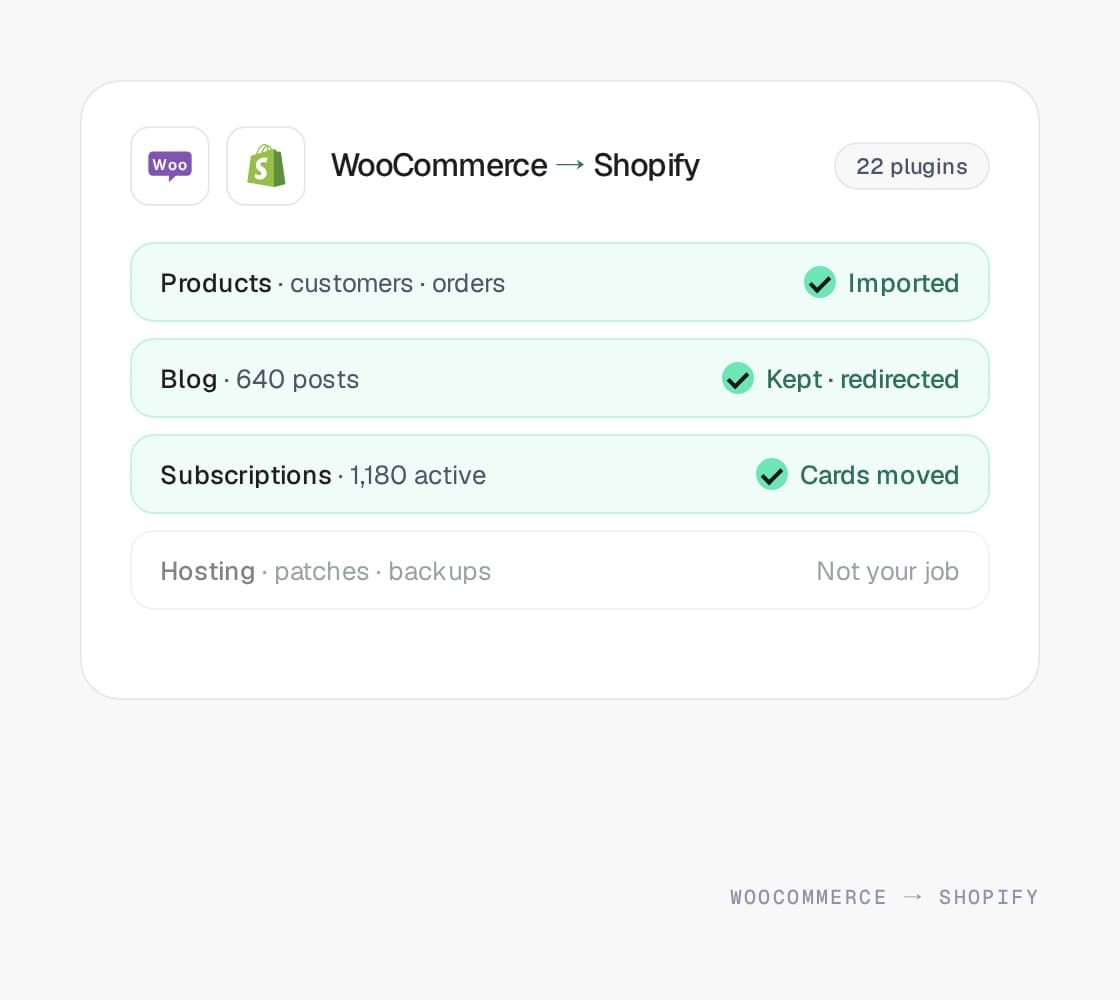
WooCommerce and WordPress to Shopify, with every URL redirected, customers and subscribers carried across, and the content you spent years on kept, in Shopify or on WordPress. Hosting, patching, and plugin conflicts stop being your job.
Evelyn & Arthur Shopify Plus replatform
+34% AOV







Why merchants make this move
“The update broke
checkout again.”
checkout again.”
WooCommerce is a WordPress plugin, and the store is only as reliable as the hosting, the theme, and every other plugin around it. Merchants leave when the maintenance becomes a job, or the traffic outgrows the server.
A plugin update that took checkout down on a Tuesday
Payments, shipping, tax, subscriptions, and search are each a plugin with its own release schedule. On Shopify the checkout, PCI compliance, and patching are the platform’s job, and apps run inside seams the checkout controls.
Hosting that falls over on the one day that matters
Black Friday traffic on a WordPress host is a capacity problem you own. Shopify’s checkout has carried the biggest sale days in commerce, and capacity stops being a line on your risk register.
A page speed score that depends on a caching plugin
Woo storefronts are fast when the host, the theme, and the cache all cooperate, and slow the moment one stops. Shopify serves the storefront from its own CDN, so the speed work moves to the theme and the app scripts, which we own.
Twenty-two plugins and a security scanner
Every plugin is a maintenance item and an attack surface, and WordPress is the most used CMS on the web, which makes it the most attacked. Shopify’s app model removes most of that exposure, and we audit what you actually still need.
A blog that is the reason you are still on WordPress
That content earns rankings and nobody wants to lose it. It does not have to go. Posts move into Shopify’s blog with their URLs redirected, or WordPress stays for content on a subdomain while the store moves. Both routes work; the choice is about who edits what.
A store that outgrew a plugin, not a platform
Subscriptions, wholesale, multi-currency, and bundles all exist for WooCommerce as plugins with their own limits. On Shopify, Markets and mature apps cover most of it, and B2B on Shopify is native on Plus.
What moves, what changes
What carries over.
What gets rebuilt.
What carries over.
What gets rebuilt.
WooCommerce is WordPress with a store attached, so half of what moves is content and plugins rather than commerce. Here is where each piece lands, and what has to be decided rather than imported.
On WooCommerce
Simple and variable products
On Shopify
Products with options and variants
How it moves
Variable products map cleanly to variants, within Shopify’s option and variant ceilings. Products with more combinations than that are modeled before import rather than split.
On WooCommerce
Product categories, tags, and attributes
On Shopify
Collections, tags, and Search & Discovery filters
How it moves
Categories become collections, manual or automated, and tags come across as tags. Attribute filters become storefront filters on options and metafields.
On WooCommerce
Plugins
On Shopify
Platform features, apps, or nothing
How it moves
Each plugin is classified. Some become a platform feature (checkout, tax, Markets), some an app (reviews, subscriptions), and some go away because the reason for them was WordPress.
On WooCommerce
WordPress posts and pages
On Shopify
Shopify blog and pages, or WordPress kept for content
How it moves
Posts import into Shopify’s blog with 301s from the old permalinks, or WordPress stays on a subdomain for content while the store moves. Either way the rankings the content earned are protected.
On WooCommerce
Permalinks (/product/, /product-category/)
On Shopify
Shopify’s fixed paths, with a 301 for every old URL
How it moves
Shopify does not let you keep WordPress URL structures, so every product, category, post, and page URL gets a redirect, and the sitemap and canonicals are checked before launch.
On WooCommerce
Customers and orders
On Shopify
Imported with their history, sign-in without a reset
How it moves
Customer records import with their order history. WordPress password hashes cannot move, so accounts sign in with a one-time code or a reset invitation. Order history is the part most importers skip and the part support asks about first.
On WooCommerce
WooCommerce Subscriptions
On Shopify
Shopify subscriptions, with vaulted cards transferred
How it moves
Active subscriptions are the hard part. Card tokens move between processors through a PCI-compliant transfer arranged before the date, so subscribers do not re-enter cards and no renewal is missed.
On WooCommerce
Reviews plugin
On Shopify
Judge.me, Okendo, or Yotpo
How it moves
Reviews export from the plugin and import with product matching, so the stars and the rich results survive the move.
On WooCommerce
Payment, shipping, and tax plugins
On Shopify
Shopify Payments, shipping profiles, and Shopify Tax
How it moves
Gateways, carrier rates, and tax rules are configured natively. The plugin stack for those three is usually the first thing merchants are glad to stop maintaining.
On WooCommerce
Yoast metadata and schema
On Shopify
Theme SEO fields and structured data
How it moves
Titles, descriptions, and product schema carry across into Shopify’s SEO fields and the theme’s JSON-LD, so nothing indexed gets re-titled by default.
How the move runs
Six phases.
One cutover.
Six phases.
One cutover.
The same six phases whether you are leaving WooCommerce or anything else. The dates change with your integration surface. The order does not.
Phase 01
Scope
Integration surface, catalog shape, URL inventory, and which customizations survive the move. Five business days, a senior engineer and a strategist.
You get
A dated plan and a real number, whether or not you hire us.
Phase 02
Map
Every product type, customer group, promotion, and content block gets a destination before anything is built.
You get
The gaps as decisions, not as surprises after launch.
Phase 03
Build
The storefront, the integrations as middleware we own, and the checkout logic as extensions and Functions. Design and marketing in the same room.
You get
A store you can test against your real data.
Phase 04
Rehearse
A full import against a copy of the new store. Redirects tested URL by URL, integrations run end to end, the cutover runbook timed.
You get
A cutover nobody is nervous about.
Phase 05
Cut over
Orders frozen for minutes, DNS switched, redirects live, integrations repointed in sequence, and the day’s orders reconciled.
You get
Trading on the new platform the same day.
Phase 06
Watch
Crawl, rankings, Core Web Vitals in the field, and the integration logs for thirty days after launch.
You get
Then the retainer that keeps shipping.
What breaks
What breaks in this move.
Handled.
What breaks in this move.
Handled.
The WooCommerce move looks simpler than it is, because the importer handles the products and stops. These are the parts that catch merchants after launch, and what we do about each one before it.
Permalinks that do not survive
What it costs you
WordPress URL structures cannot be recreated on Shopify, so anything without a redirect returns a 404 the day you launch.
What we do
Every product, category, post, and page URL mapped and redirected, including the tag and pagination URLs Google indexed without asking.
Subscriptions that lapse in the move
What it costs you
Subscription plugins keep card tokens with a processor. Move the store without moving the tokens and every subscriber re-enters a card, or churns.
What we do
A vaulted-card transfer between processors, arranged before the date, then subscriptions recreated with their next billing dates intact.
A blog that loses its rankings
What it costs you
The posts move but the internal links, images, and permalinks do not, and the traffic that content earned drains over a quarter.
What we do
Posts imported with images and redirects, or WordPress kept on a subdomain for content. Either way, every post URL resolves and the crawl is watched.
Variable products over the ceiling
What it costs you
A variable product with more combinations than Shopify allows splits into duplicates at import, along with its reviews and rankings.
What we do
Products over the ceiling are found before import and modeled as options plus metafields, bundles, or a configurator.
Twenty plugins looking for apps
What it costs you
Replacing every plugin with an app rebuilds the same fragile stack, with the same monthly bill, on a new platform.
What we do
Each plugin is classified as platform feature, app, or retired. What is left is small, and we build the small pieces rather than renting them.
Customers who cannot log in
What it costs you
Password hashes never move between platforms. Without a plan, launch day is a wall of failed logins and reset emails.
What we do
Customers are imported with their history, and Shopify’s customer accounts sign in with a one-time code, so the first visit just works.
Your options, honestly
Stay, harden,
or move.
Stay, harden,
or move.
Three honest answers for a WooCommerce store that has started to hurt. The audit says which one fits, and sometimes it is the first.
Stay on WooCommerce, with better hosting
Fits when
The catalog is small, the plugin stack is short, and the content site is the business. A managed WordPress host and a plugin audit may be all you need.
The catch
You still own the updates, the security, and the next conflict. The maintenance job does not go away; it gets smaller.
Shopify
Fits when
You want the store to be somebody else’s infrastructure. Checkout, hosting, PCI, and patching are the platform’s job, and most WooCommerce plugins have a native feature or a mature app behind them.
The catch
Fixed URL structures, variant ceilings, and a blog that is simpler than WordPress. Content-heavy stores often keep WordPress for the writing.
Shopify Plus
Fits when
Wholesale, multiple regional storefronts, or a checkout you need to change. B2B on Shopify, expansion stores, and Checkout Extensibility are the reasons to step up.
The catch
A bigger subscription than most WooCommerce stores were paying for anything. Worth it when you use what it adds, and the audit says whether you would.
Results
Show you the money.
- View case study: Evelyn & Arthur case study

DTC · Shopify Plus
+34%
AOV
An established apparel brand replatformed to Shopify Plus without losing a single SKU or SEO ranking, and lifting average order value in the process.
Read case study 

DTC · Shopify Plus
2.4x
faster page loads · zero SEO loss
Replatformed an aging custom site to Shopify Plus without losing a single SKU or SEO ranking.
The big numbers
+30%
Avg. conversion rate lift within 12 months
+50%
Avg. order value lift
<1s
Page load speeds on the storefronts we build
+15%
Avg. revenue lift within 6 months
THE QUESTIONS YOU HAVE -
Get them out
of the way.
of the way.
Both sides of this move
Know WooCommerce.
Know Shopify.
Know Shopify.
The Shopify page covers where you are going, and the other plans below cover the routes that end there.
Not decided yet? Read the Shopify vs WooCommerce comparison.
Other migration plans
- View the Magento to Shopify migration planLearn more
Magento to Shopify
Off a version with a date attached, onto a platform that patches itself. Every URL redirected, the ERP reconnected first.
- View the Salesforce Commerce Cloud to Shopify migration planLearn more
Commerce Cloud to Shopify
For when the one-estate case stopped holding and the revenue share did not. Service Cloud stays connected.
- View the Moving to Adobe Commerce migration planLearn more
Moving to Adobe Commerce
For the catalog, the pricing, or the buyers a hosted platform cannot carry, and for Magento 1 stores out of road.
Free migration scope
Leaving
WooCommerce?
Start here.
WooCommerce?
Start here.
Decided to move? Five business days, a senior engineer, and a document you keep, covering the plugin stack, the content decision, subscriptions, the redirect map, and a dated plan.
Not sure yet? The same five days compare hardening WooCommerce against moving, with both bills side by side. Sometimes the answer is stay.